Jon Milley Creations
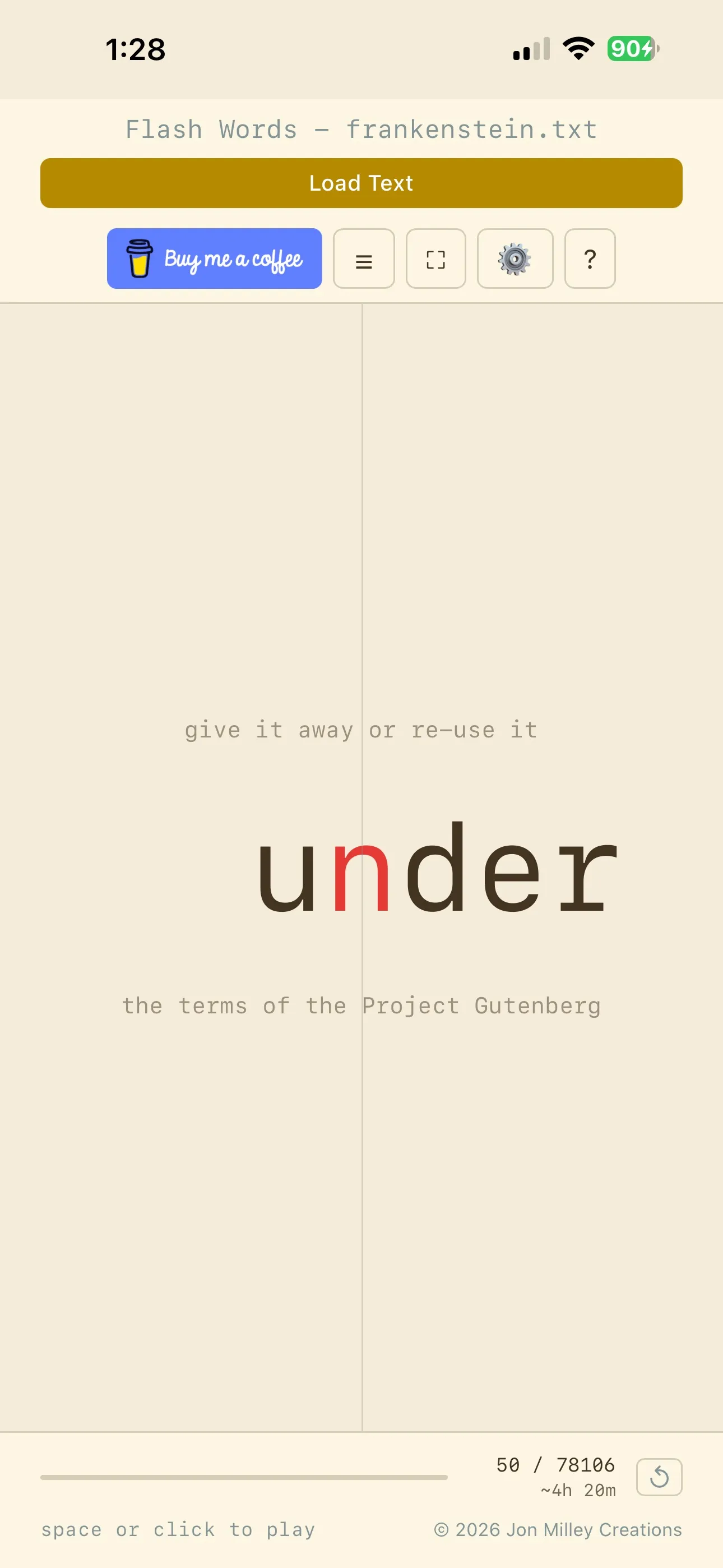
I recently stumbled across a short form video on YouTube that caught my attention. It showed a person reading at an incredible speed by having words flashed in front of them one by one. I was skeptical at first, but after trying it for a few minutes, I realized how much faster I could process information when my eyes weren’t constantly jumping around a page. I decided I wanted my own version of this tool, something minimalist and efficient, so I built Flash Words.
Why Speed Reading?
Most of us read at a pace that is limited by our eye movements. We skip back, we get distracted by sidebars, and our focus wanders. Speed reading techniques like the ones in this app help by forcing the brain to focus on a single point. It eliminates sub-vocalization (that little voice in your head that says each word) and stops your eyes from performing “regressions,” which is when you accidentally re-read the same line twice.
The Science in the App
To make this work, I implemented three specific techniques:
RSVP (Rapid Serial Visual Presentation): This is the core engine. It shows words in the same spot at a high frequency. Since your eyes don’t have to move from left to right, you can ramp up the speed significantly without losing comprehension.
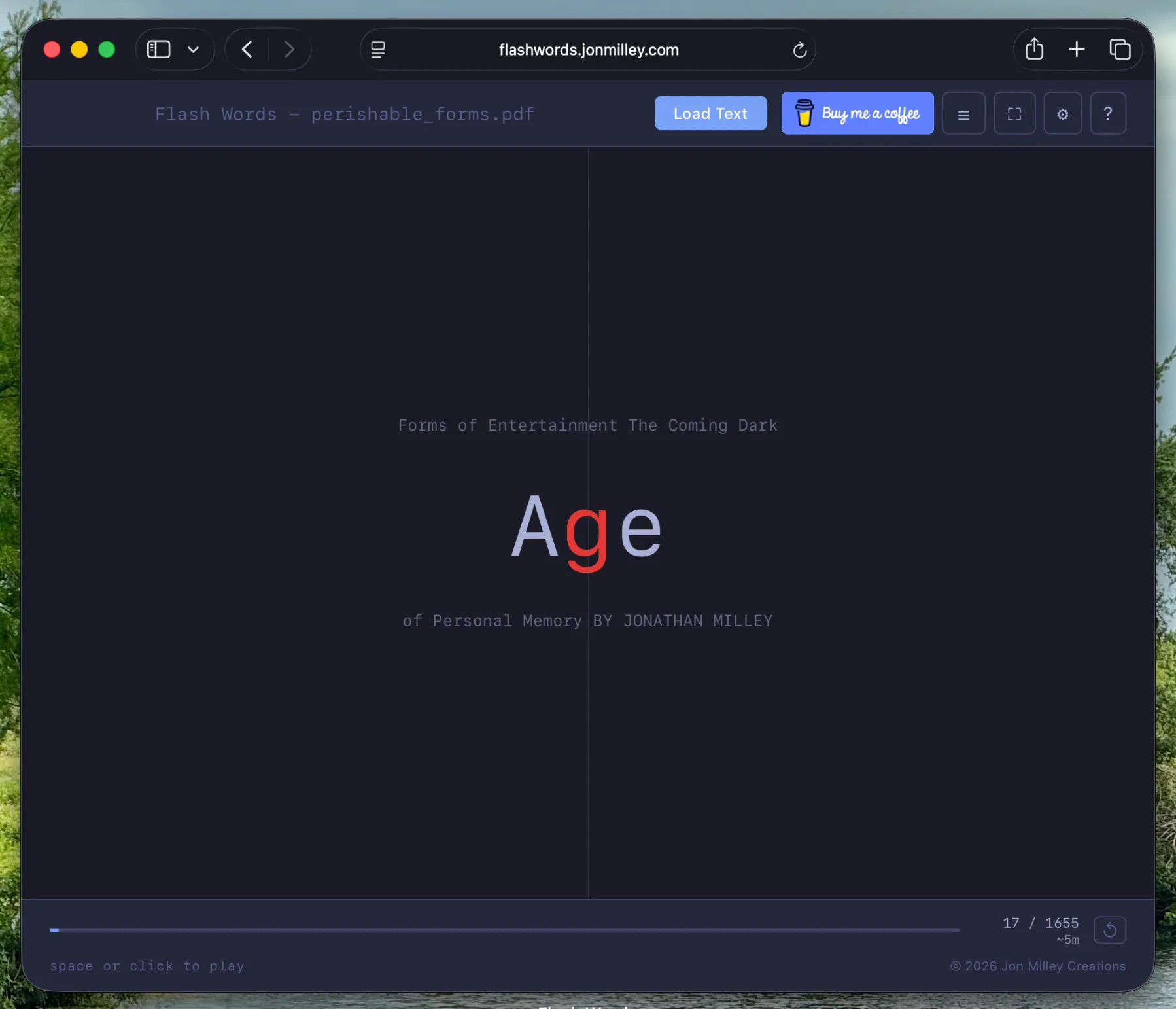
ORP (Optimal Recognition Point): This is that little red letter you see in the middle of the words. Research shows that our brains process a word faster if our eyes are fixed on a specific focal point (usually about 35 percent into the word). By highlighting this point, the app helps your brain “snap” to the word instantly.
Bionic Reading: This mode bolds the first few letters of every word. It acts as a guide for the eye, letting the brain complete the rest of the word based on context and memory. It is surprisingly effective for staying focused during long sessions.
Built in an Evening with Agentic AI
The most interesting part of this project was the development process. I built the entire application in a single evening using Agentic AI. Instead of just writing code myself or copying snippets, I worked with an AI agent that could understand the high level goals and perform complex refactors autonomously.
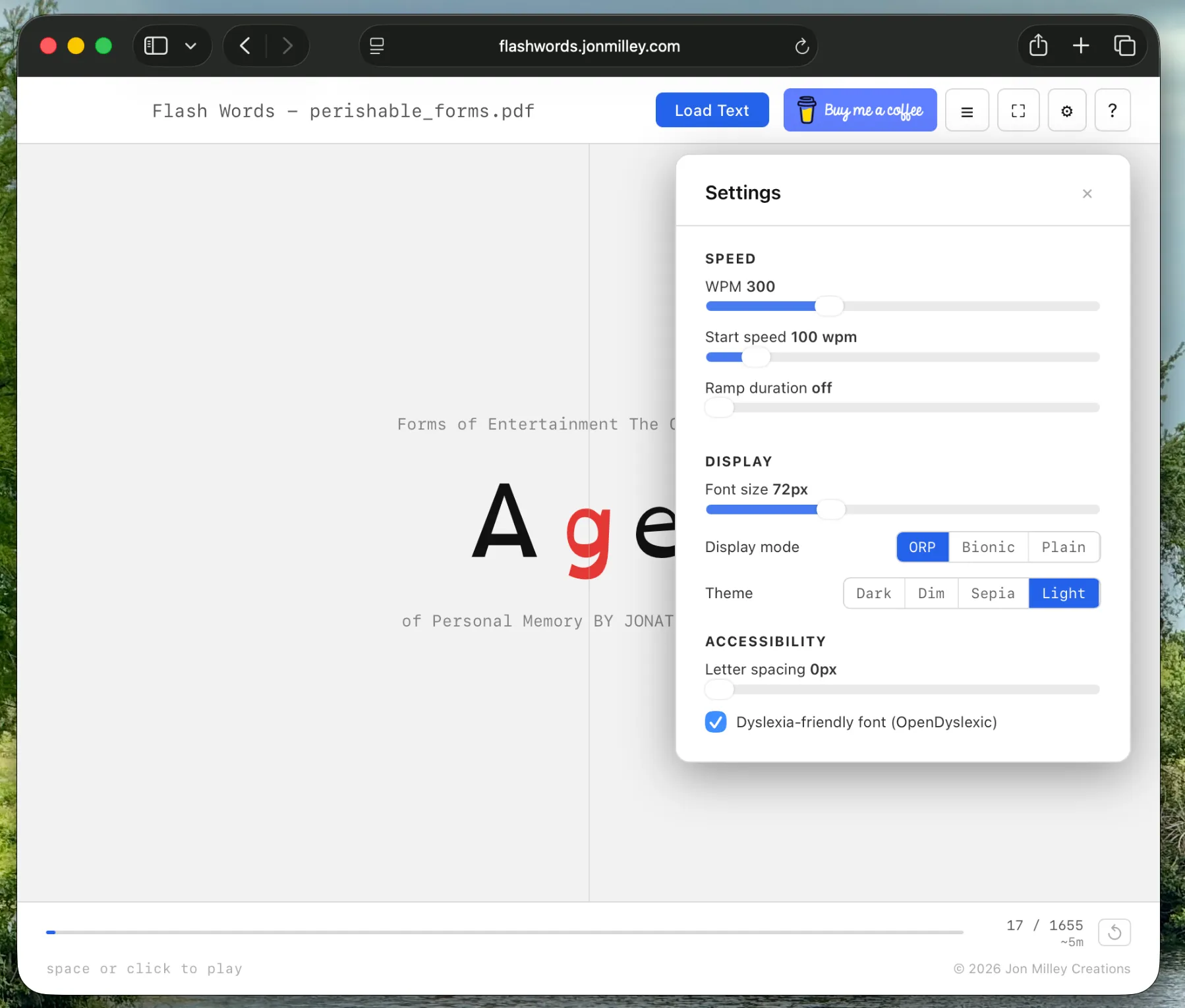
We started with a basic React structure and quickly realized the settings menu was becoming too cluttered. In one session, I had the agent refactor the entire settings modal into a responsive drawer that slides out on the side. This allowed me to keep the text visible in the background so I could see exactly how font changes or letter spacing adjustments looked in real time.
Research and Accessibility
One of the highlights was using the AI to research ways to make the app better for people with dyslexia. The agent found studies on the OpenDyslexic font and the benefits of specific color overlays. Based on that research, we added a dyslexia-friendly mode, adjustable letter spacing to reduce visual crowding, and low-contrast themes like “Sepia” and “Dim” to reduce eye strain.
We also expanded the app to handle more than just plain text. We integrated libraries to parse PDFs, Word documents, and even EPUB files. Each of these libraries is quite heavy, so the agent implemented lazy loading. This means the code for parsing a PDF only downloads to your browser if you actually try to open a PDF, keeping the app fast and lightweight.
Give it a try
The final result is a Progressive Web App (PWA) that works offline and saves your progress automatically. You can load a book, set your target speed, and let the ramp-up feature slowly bring you up to 500 or 600 words per minute.
You can try the application here: https://flashwords.jonmilley.com